With the app, you can:
- View your athlete’s current enrollments
- Browse and register for classes and camps
- Register for special events and activities
- Make payments and view account transactions
- Manage your family and account information
- Receive important notifications and updates from Gymnastics Central
Step 1: Download the iClassPro App
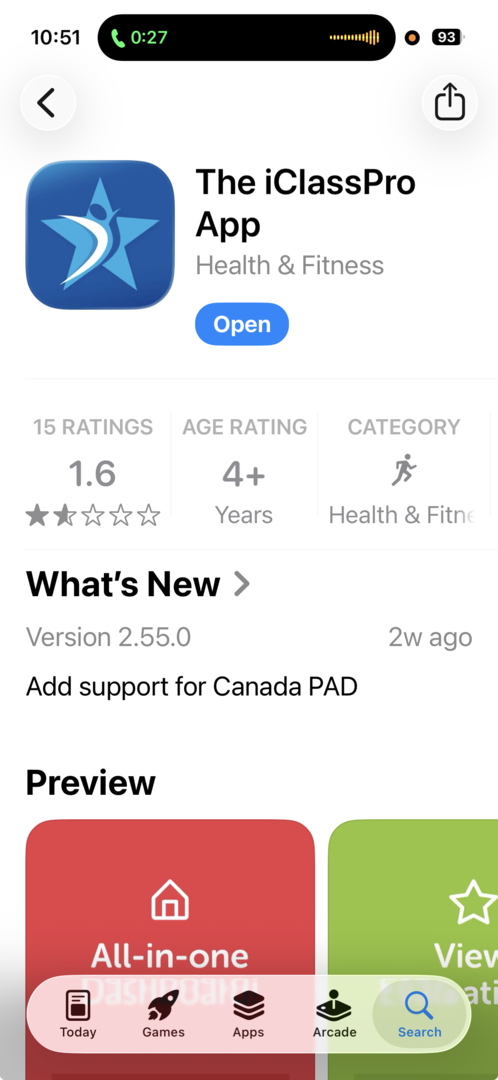
Download The iClassPro App from the Apple App Store or Google Play Store.
Apple Devices (iPhone & iPad)
Search for The iClassPro App in the Apple App Store and download the app.
Android Devices
Search for The iClassPro App in the Google Play Store and download the app.
Step 2: Find Gymnastics Central
Once the app has been downloaded:
- Open The iClassPro App.
- When prompted to enter your organization or account name, enter:
gymcentral947
- Select Gymnastics Central to continue.
Step 3: Log Into Your Account
Enter the email address and password associated with your Gymnastics Central Parent Portal account.
If you have already created an account through our Parent Portal, you do not need to create a new account. Simply use the same email address and password to log into
the app.
Forgot your password? Select Forgot Password on the login screen and follow the instructions to reset
it.
Turn On Notifications
When you first install the app, your phone may ask you to allow notifications.
We recommend selecting Allow Notifications so you can receive important updates and information from
Gymnastics Central.
You can also enable notifications later through the notification settings on your phone.
Having Trouble Logging In?
If you are unable to access your account:
- Make sure you entered gymcentral947 as the organization name.
- Make sure you are using the same email address associated with your Gymnastics Central account.
- Use the Forgot Password option if you do not remember your password.
- Secondary guardians may need to be granted account access by the Primary Guardian.
If you continue to have trouble accessing your account, please contact the Gymnastics Central office and we will be happy to help.
Everything You Need — Right From Your Phone
Downloading the iClassPro App is one of the easiest ways to stay connected with Gymnastics Central.
Register for programs, manage your account, make payments, and stay up to date with important information—all from your mobile device.
Download The iClassPro App today and stay connected with Gymnastics Central!

 Print
Print 